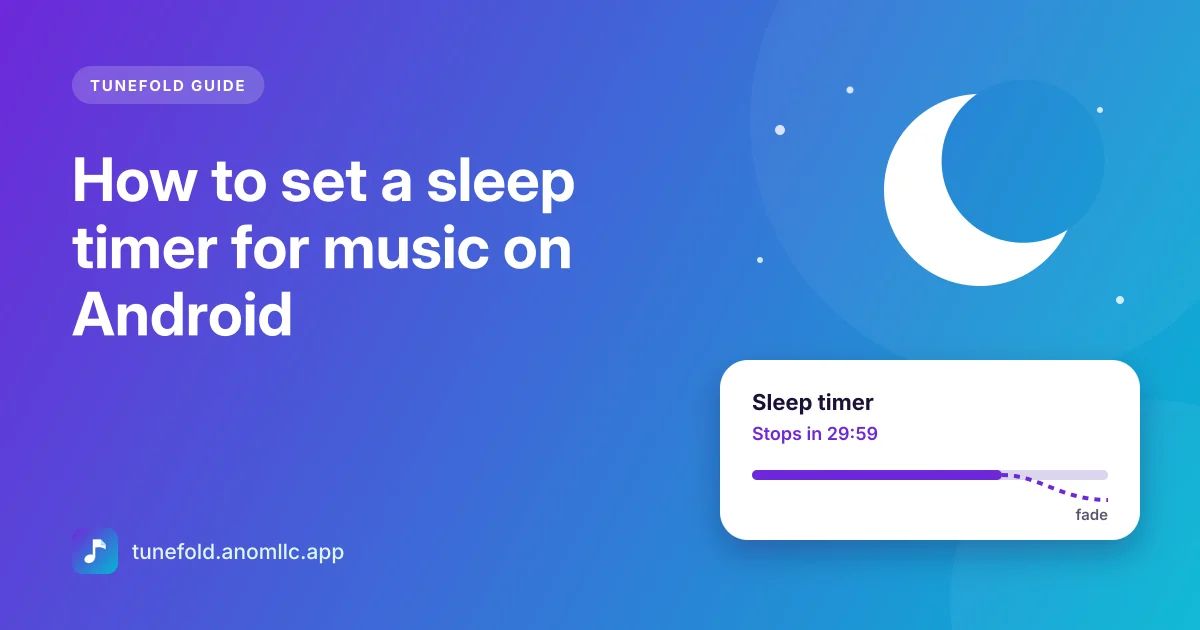
To stop music automatically on Android, use a music player with a sleep timer: start your music, open the timer, pick how long it should play (or "end of current song"), and put the phone down. In Tunefold, the music fades out gently over the last few seconds and then pauses, so you're not woken by a sudden stop. Here's how to set it, and how to make sure nothing else interrupts it during the night.
Set the sleep timer in Tunefold
- Play something calm: an album, a playlist or Shuffle all.
- Open the full player by tapping the song at the bottom of the screen.
- Tap Sleep (the moon) under the controls. You can also open Sleep timer from the ⋮ menu on the home screen.
- Choose when to stop: End of current song, or after 5, 10, 15, 30, 45, 60 or 90 minutes.
- Put the phone down. The moon now reads Timer on. Tap it again to see how long is left.
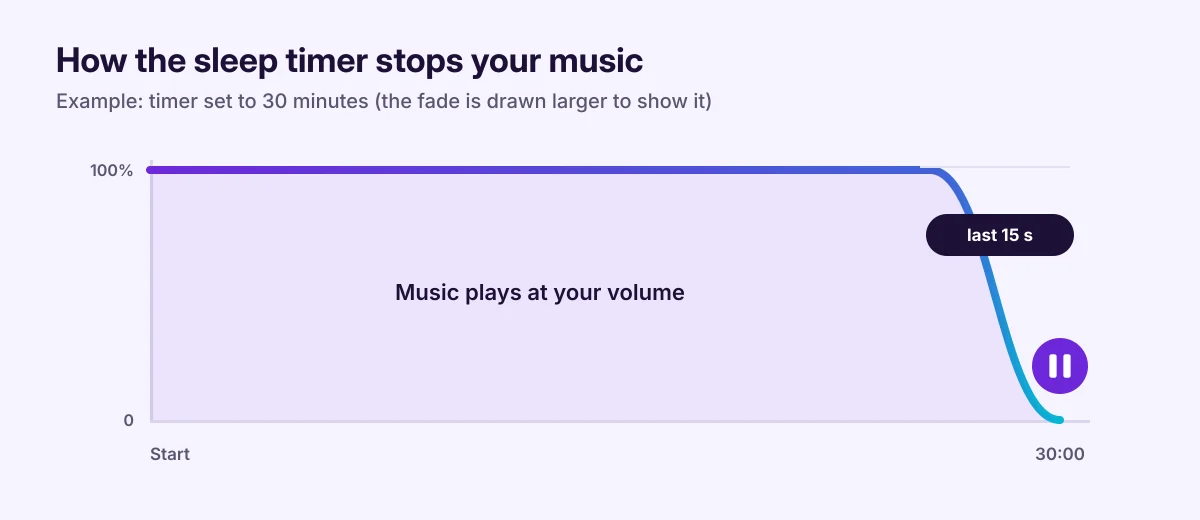
When the time is up, Tunefold lowers the volume over the last 15 seconds and pauses the music. The next time you press play, it plays at normal volume from where it stopped.
"End of current song" or minutes?
- End of current song is best for a single long track, a meditation or a story. The music stops when that track ends, not halfway through.
- 15 to 30 minutes suits most people falling asleep to music.
- 45 to 90 minutes works for long albums, ambient music or a nap.
To change your mind, open the timer again and pick another time, or tap Turn off timer.
Make sure the music isn't stopped early
Some phones close apps in the background to save battery, which can stop the music before the timer does.
- Open Settings > Apps > Tunefold > Battery (on some phones, App battery usage).
- Choose Unrestricted or Don't optimise.
Also check that Do Not Disturb isn't set to mute media sounds on your phone, and that your Bluetooth headphones don't switch off on their own after a few minutes.
Save battery overnight
- Turn the screen off. Tunefold keeps playing in the background, with controls in the notification and on the lock screen.
- Play songs saved on the phone, not streams. Offline music uses no mobile data and less power. See offline music on Android.
- Plug the phone in if it's below about 30% and you'll also use it as an alarm.
Comfortable listening in bed
- Keep the volume low. You'll hear calm music at a lower level once the room is quiet.
- Try the Vocal or Normal preset for audiobooks and soft music; heavy bass can be tiring. Our equalizer guide explains the presets.
- Use a sleep playlist of slower songs so nothing loud comes on as you drift off. See how to make a playlist.
- Phone speaker instead of earbuds? Put the phone face down on a soft surface a little away from your head and keep the volume low.
Common questions
Does the sleep timer turn off the screen or the phone? No. It only pauses the music. The phone locks as usual.
Does the timer keep going if I leave the app? Yes. The music and the timer keep running in the background, with the screen off.
Can I wake up to music too? Tunefold doesn't have an alarm. Use your phone's Clock app for that.
Does the timer stop other apps? No. It only stops music playing in Tunefold.