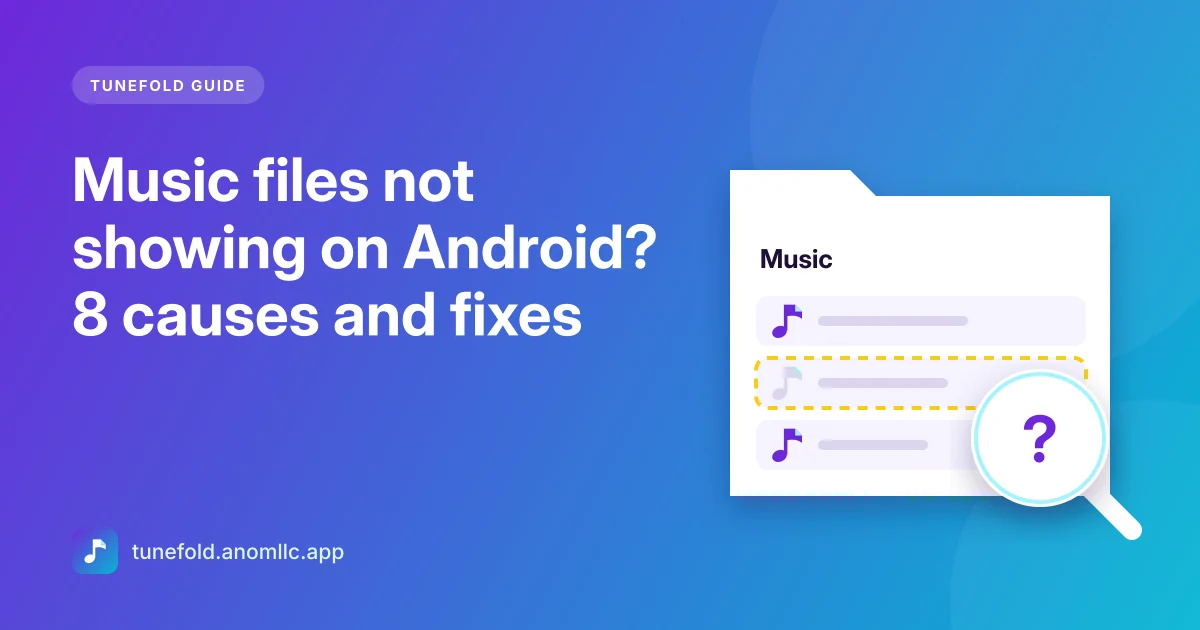
When music files are on your Android phone but don't show up in your music player, the cause is almost always one of a few things: the app isn't allowed to read music, Android hasn't added the files to its media library yet, the folder is marked as hidden, or the app filters out short clips. Here are the eight usual causes, with the fix for each, in the order worth checking.
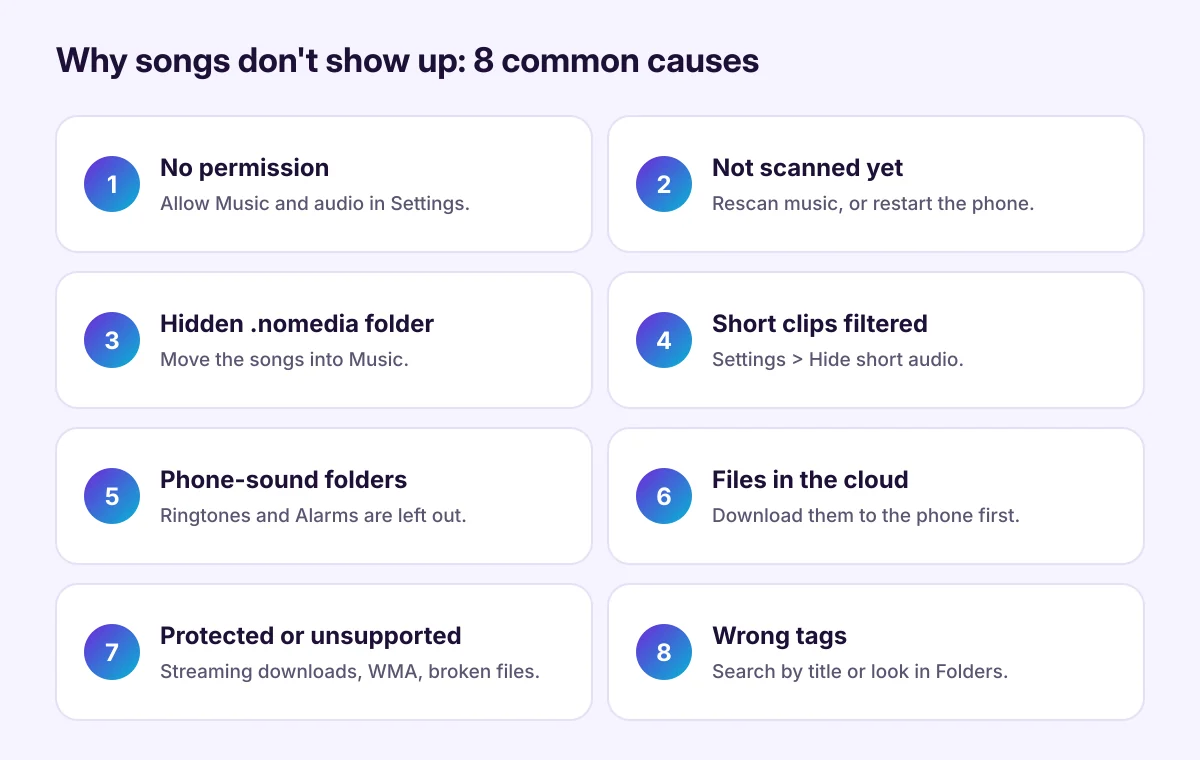
How music players find your songs
Android keeps a media library: a list of the audio, photo and video files on your phone, with their titles, artists and albums. Music players such as Tunefold read that list instead of searching every folder themselves. So if a song isn't in Android's media library, no music player shows it.
1. The app isn't allowed to access music
Fix: open Settings > Apps > Tunefold > Permissions and set Music and audio to Allow. On Android 12 and older it's called Files and media or Storage. Then open the app again.
2. Android hasn't added the new files yet
Android adds new files to its media library on its own, usually within a minute, but it can take longer after copying a big folder.
Fix: keep Tunefold open for a moment, or tap Settings > Rescan music. If the songs still don't appear, restart the phone, which makes Android check the storage again.
3. The folder has a .nomedia file
A file named .nomedia tells Android to leave a folder out of the media library. Some apps put one in their folders so their sounds don't fill your music app, and it can end up in a folder you copied too. The dot at the start makes it hidden.
Fix: move your music into the Music folder. Or open a Files app, turn on Show hidden files, open the folder and delete the .nomedia file if you're sure the folder should be visible. Then restart the phone.
4. Short clips are filtered out
Tunefold hides audio shorter than 30 seconds by default, so voice notes, ringtones and app sounds don't clutter your library.
Fix: go to Settings > Hide short audio and choose Show everything or Shorter than 60 seconds.
5. Songs are in a ringtone or notification folder
Android treats files in the Ringtones, Notifications and Alarms folders as phone sounds, and music players leave them out.
Fix: move songs out of those folders, into Music.
6. The files are in the cloud, not on the phone
Music in Google Drive, OneDrive or another cloud app only shows a name until it's downloaded. The music player can't see it.
Fix: download the files to the phone, ideally into the Music folder. Our guide on transferring music to Android shows faster ways for big libraries.
7. The files are protected or not supported
- Streaming downloads are protected and stored inside the streaming app. Other players can't see or play them.
- Files inside another app's private folder (Android/data) are invisible to other apps since Android 11.
- Some formats, such as WMA, don't play on most Android phones. Convert them to MP3 or M4A on a computer.
- Broken files from an interrupted copy or download can't be played. Copy them again.
8. The song is there, under another name
Albums and artists come from the tags inside each file. A song with a wrong or empty tag can turn up under Unknown artist, a different album or a strange title.
Fix: search for part of the title, or look in Folders, which lists songs by where they're saved. Fix the tags on a computer with a tag editor, copy the files again, then Rescan music.
Songs show up twice
That usually means the same files are in two places, for example in Music and in Download after a second copy. Delete one of the copies in a Files app. Tunefold's Folders tab shows where each copy is.
Common questions
Does Tunefold need "All files access"? No. It only asks to read music and audio, and it never changes or deletes your files.
My songs were there yesterday and now they're gone. Check whether the files are still in a Files app. If they're on a memory card, make sure the card is inserted and readable. If the files are there, restart the phone.
Can Tunefold play songs from my streaming app? No. See offline music on Android for the difference between streaming downloads and music files.